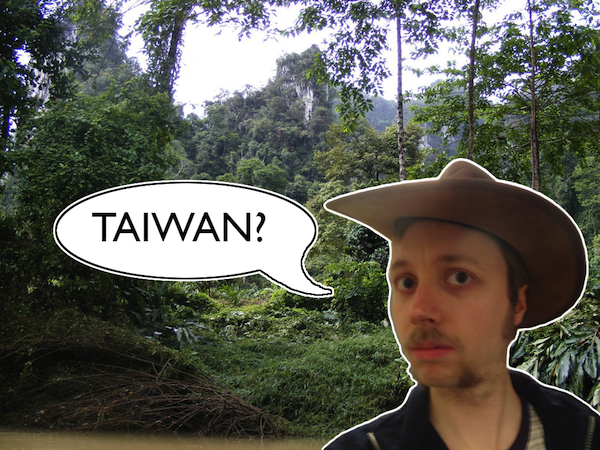
Sretno ti bilo Indiana Nicholsone!
Sretno ti bilo Indiana Nicholsone!
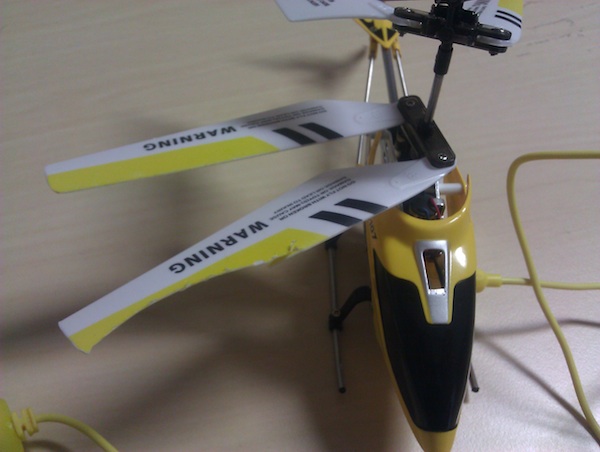
Jedan vrtolet je već nastradao u mučkom napadu vitrine u mraku. Ostala su još dva cijela i ovaj jedan koji se dosta dobro drži za sada. Koliko će nas ova zabava dugo držati? To za sad nitko ne zna…
Grozan sam u njima. U biti, grozan sam i u drugom i u trećem. Ponekad sa četvrtim počnem da povezujem točkice u svojoj glavi.
Što to nisam ukapirao? Znači, sjedimo mi tako kraj Brandenburških vrata kako bi gospodičić nešto prezalogajio. Ja ću neko piće, kolega će neko piće a gospodičić će neki obrok na tanjuru, kako gospodičićima već i priliči. Dođe račun, treba se oprostiti sa konobaricom i novci se vade. Dobacimo neke papirnate dok gospodičić izbroji svoje ceh u zadnji cent. Kako gospodičićima već i doliči, stavi ih našoj dragoj konobarici u ruke i nasmiješi se uz “U redu je… zadržite ostatak”. Okrene se nama i reče – “Tako mi to radimo u Južna Amerika”.
Bio je to jedan od rijetkih trenutaka gdje sam dao 5 puta veću napojnicu od cijene samog pića. Jedna propuštena prilika za kvalitetan prvi dojam otpuhala se niz Lennenstraße toga dana.
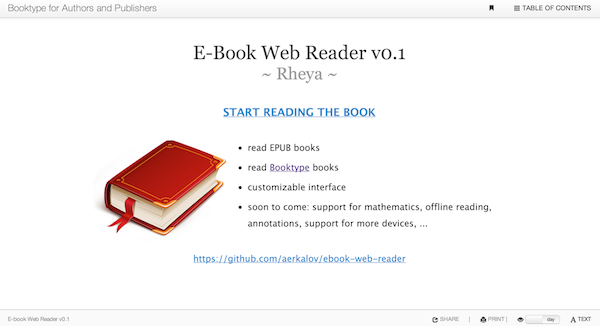
I had a small coding sprint over the weekend. It would probably be better if I played Minecraft entire weekend but somehow i couldn’t stay still until I put my thoughts into code….
The code is not really representative, I just wanted to check the feeling of using this new Web interface for the books. I have two not fully functional interfaces: desktop and mobile one. I am aware it does not work on Android (the footer), the inner frame do not resize as they should and some buttons do not work. Like I said… just a proof of concept for now. But a proof of concept which has support for keyboard shortcuts and you can change color/text theme. What more do you need?!
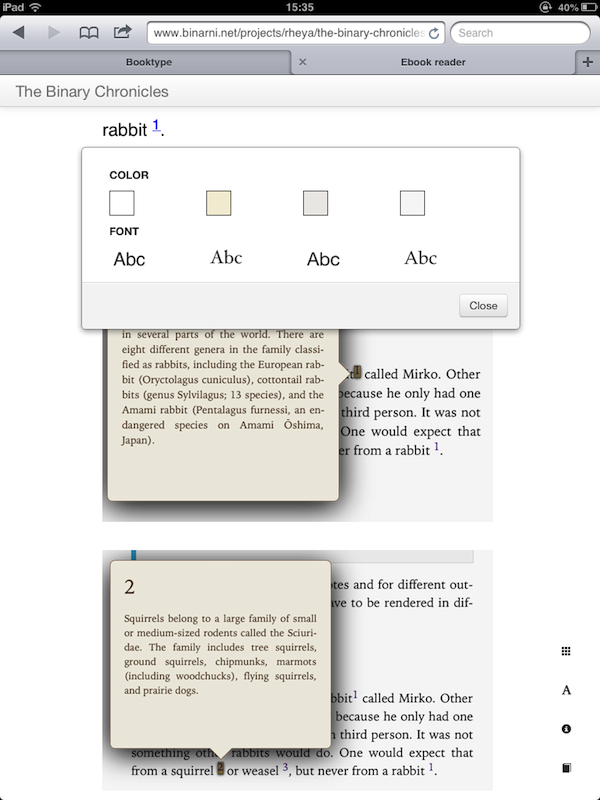
But when it is finished… ohhhhh when it is finished! It will work in offline mode, it will support bookmarks, sharing, annotations and many many more things. It can read epub2/epub3 books for now but I will integrate it with Booktype online books when I get some free time.
You can check the code here:
* https://github.com/aerkalov/ebook-web-reader/wiki
Demo books:
* https://www.binarni.net/projects/rheya/metropolis/ (Desktop version)
* https://www.binarni.net/projects/rheya/the-binary-chronicles/ (Desktop version)
* https://www.binarni.net/projects/rheya/metropolis/mobile.html (iPad version)
* https://www.binarni.net/projects/rheya/the-binary-chronicles/mobile.html (iPad version)
Soooo…. what do you think? Would this be a good interface for online/offline books?
First in a series of screencasts – How to use Booktype-scrolls script to install Booktype on Ubuntu.
Script is smart enough to figure out what needs to be installed on Ubuntu, Debian, CentOS or Mac OS X. You will be informed about every step and nothing will be installed on the system without your confirmation or knowledge. At the moment script works with Sqlite and builtin Python server. That will be changed in next version but for now this is more then enough if you had problems installing it for yourself. You can read more about the script in my previous post – https://www.binarni.net/2012/07/booktype-easy-install/.
For more information check out official installation docs – https://wiki.sourcefabric.org/display/Booktype/Installing.
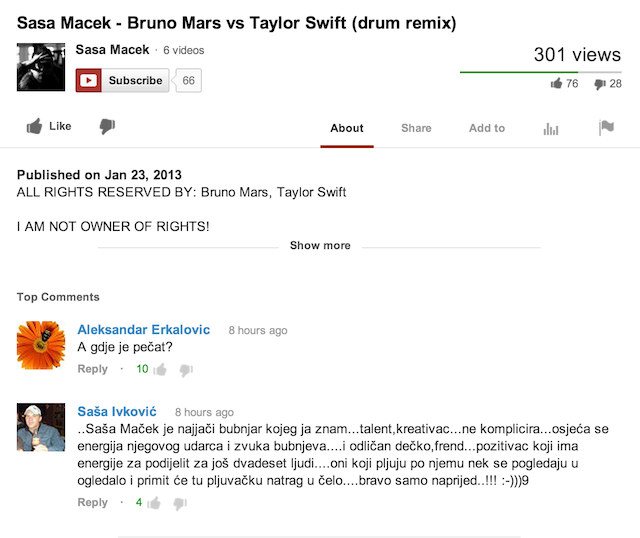
Danas je najsretniji dan u mom životu. Danas je dan kad sam postigao nešto. Ja ne znam tko je Saša Maček. U biti, sad znam jer sam ga u međuvremenu zguglao. Kad je najsretniji dan u mom životu tek počinjao ja nisam znao tko je Saša.
Zašto sam tako sretan? Zato što je po prvi put u mom bogatom životu jedan moj “onako usputni” komentar na prvom mjestu! Znam što mislite. Vi kažete – “Ali Aco braco, i nije neki uspjeh na 10 komentara biti prvi.”. Neka.. neka.. to zavist iz vas progovara!
Moj komentar je trenutno najbolje rangiran (zato što je tako prokleto duhovit i orginalan) i ovo je najsretniji dan u mom životu.
Odite pa pogledajte Sašu Mačeka i njegove udaraljke – http://www.youtube.com/watch?v=6OmbYwrLIEk jer sutra možda moj dan neće biti tako sretan.
Danas je najsretniji dan u mom životu.
I said to my self – “Aco, but you can’t start working on your screencasts if you don’t have intro video!”. And you know what… I was right. That is why I started working on one. Not really happy with the final result but I am more then happy to say it is “good enough for now”. Sound effect should be synced with the video and I am not sure this is the best sound for this kind of video. Anyhoo, if you have any suggestions please feel free to send me email – aerkalov@gmail.com.
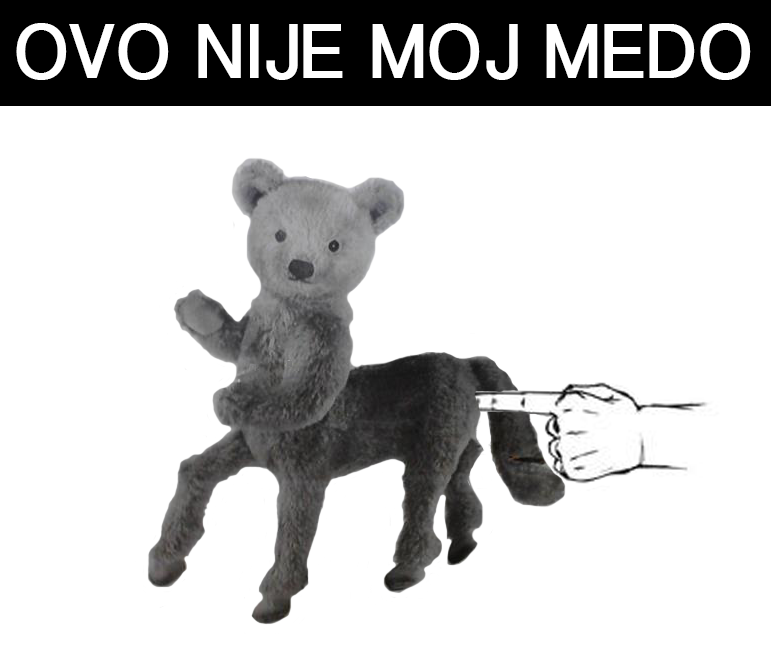
Više informacija na ovom linku: https://www.facebook.com/nepomireni/info (isprike onima koji nemaju pristup facebooku).
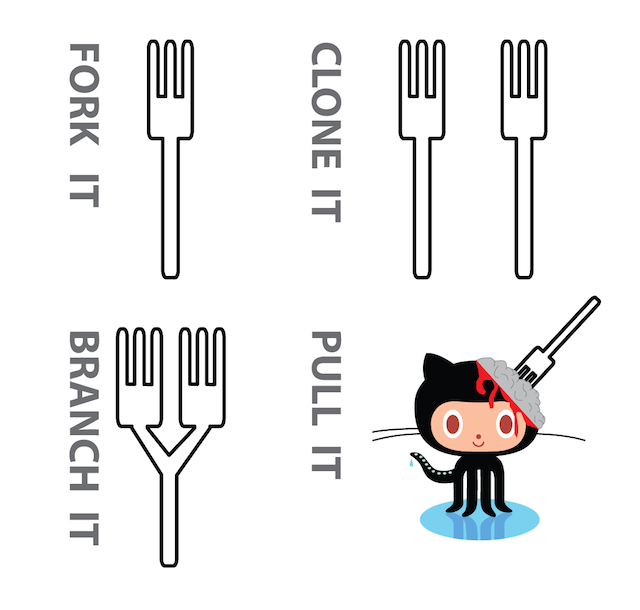
Svjestan sam koliko je ovo grozno i da se krv mogla bolje napraviti, glava bolje odrezati a mozak pametnije narezati ali eto…. Kliktanje po Illustratoru je u zadnje vrijeme postala moja Adobe Joga. Meni to super.